You sit down at a restaurant, point your phone at a small square on the table, and a menu appears.
Why Series · EP24
How QR Codes Work
How a grid of squares becomes a link—and why a damaged code can still scan
Free membership
Sign up free to unlock this episode.
After you log in, every lesson is 100% free — full audio, interactive transcript, expressions, and speaking practice. No paid plan.
- Unlimited access to the full episode library
- Synced transcripts and key expressions
- Save favorites and build your word list
Two newest episodes stay open for guests so you can try Atoz first.
Ready. Select a line to jump into the conversation.
There is no typing, no searching, and usually no special app.
Your camera looks at what seems like a random pattern of black and white blocks, and somehow understands exactly what to do.
So what actually happens when you scan a QR code?
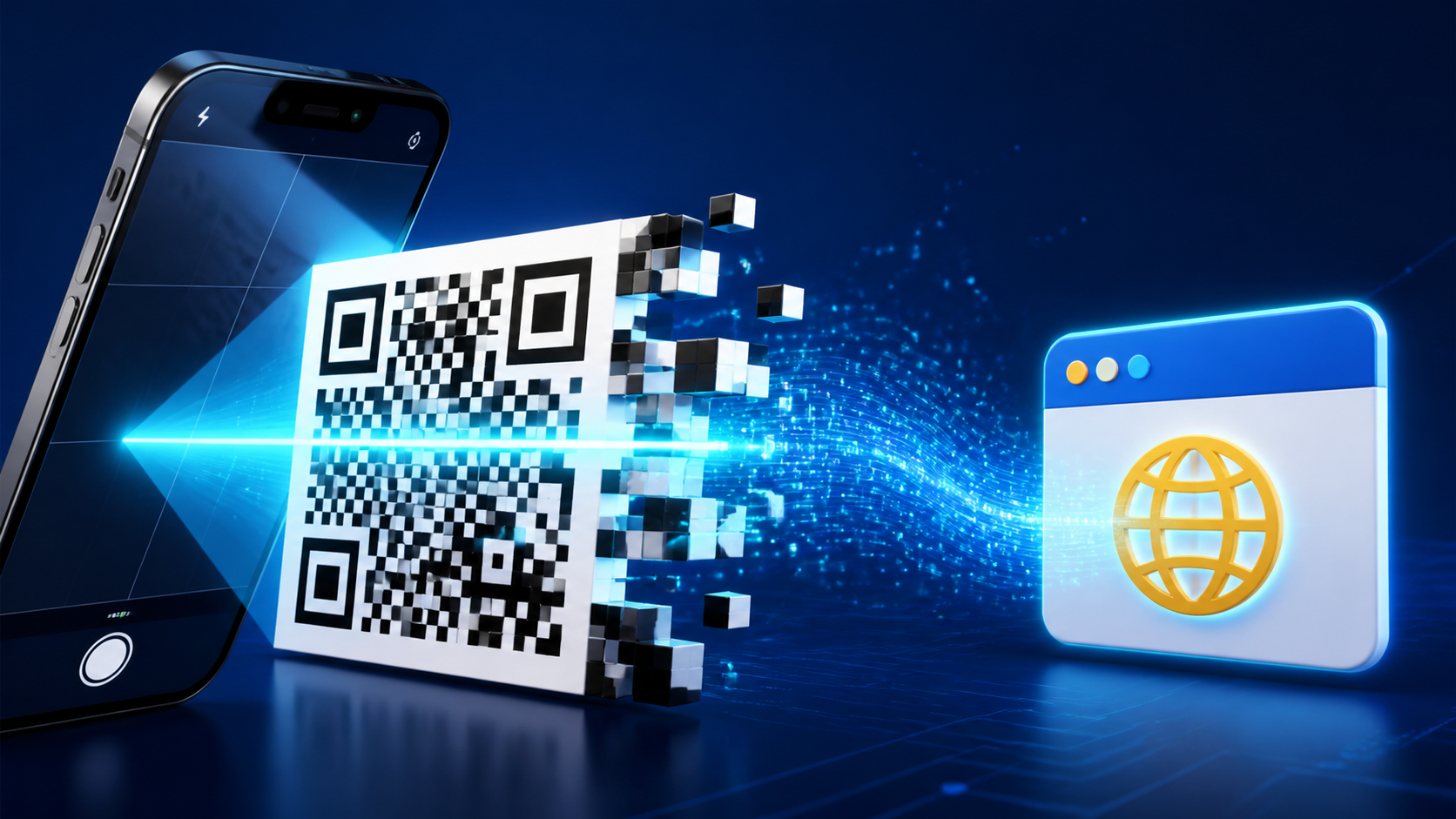
A QR code is a two-dimensional barcode.
A traditional barcode stores information mainly in lines running in one direction.
A QR code uses small squares, called modules, across both its width and height.
That lets it hold much more information in a compact space.
The name is connected to quick response, because the system was designed to be read rapidly.
It was developed in Japan in 1994 by a DENSO WAVE team led by Masahiro Hara.
Factories needed a faster way to track parts and store more information than ordinary barcodes could carry.
Today, the same basic idea connects us to menus, tickets, payments, Wi-Fi networks, and websites.
The scan begins when your camera captures an image.
Your phone does not need to understand every object in that image.
It searches for a very specific visual clue: the three large square patterns near three corners of the code.
These are position detection patterns, sometimes called finder patterns.
They tell the scanner, this is a QR code, and here is its orientation.
Because the three markers form an unmistakable arrangement, the phone can recognize the code even when it is tilted or rotated.
The clear border around the outside matters too.
This empty margin is called the quiet zone, and it helps the scanner separate the code from its surroundings.
Once the phone finds the corners, it corrects the perspective of the image.
A code photographed from the side may look like a stretched diamond, but the software can map it back into a flat square grid.
It then measures the grid and decides which modules are dark and which are light.
Those modules represent encoded data, ultimately handled as bits: ones and zeros.
But not every square is part of the message itself.
Some areas describe the code's format and size, while others help the scanner stay aligned.
The remaining pattern carries the actual content plus extra information used to recover errors.
That error correction is one of the cleverest parts of the design.
A QR code can often still work when it is scratched, dirty, or partly covered.
It does not guess the missing image in the way a person might finish a familiar shape.
Instead, the creator adds mathematical backup data using a method called Reed-Solomon error correction.
That backup gives the decoder enough structure to reconstruct some damaged or unreadable codewords.
Different QR codes can choose different correction levels.
More protection makes a code more resistant to damage, but it also leaves less room for the original message at the same size.
This is why a small logo can sometimes sit in the middle of a QR code without breaking it.
The covered modules may be treated like damage, as long as the missing information stays within the code's recovery limit.
After recovery, the phone decodes the message.
That message might be plain text, contact details, Wi-Fi information, or a web address.
With so many QR codes in the world, you might wonder whether we could ever run out of unique patterns.
The largest standard QR code can hold thousands of bytes, creating an enormous number of possible data combinations.
For practical purposes, that space is so large that running out is not a concern.
But QR codes do not belong to one worldwide system that assigns every pattern a unique number.
Two people can encode the same web address and create codes that lead to the same place, and that is perfectly fine.
When a ticket, payment, or login must be unique, the website creates a unique link or token and checks it in a database.
The QR code simply carries that information; the server is what prevents unwanted duplication.
The QR code does not usually contain the restaurant's entire menu or a full video.
It normally stores a short link that tells your phone where to find that content online.
Your camera app recognizes the type of information and shows a suggested action, such as opening a browser.
Importantly, scanning and opening are two separate steps.
The camera can decode a link, but you normally choose whether to visit it.
That pause matters because a QR code can hide its destination from your eyes.
A printed code can be replaced with a sticker, or it can lead to a fake login page.
Before tapping, check the preview, the domain name, and the context in which you found the code.
You do not need to fear every QR code, but you should treat an unfamiliar one like an unfamiliar link in a message.
So a QR scan is not magic and the camera is not reading a tiny picture.
It finds the corner markers, straightens the grid, separates dark modules from light ones, repairs recoverable errors, and decodes the stored data.
A pattern designed for factory parts now acts as a small bridge between the physical world and digital information.
That's all for today's episode.
Thanks for listening, and we'll see you next time.
Speaking practice
Speak It Out
Click a question to practice speaking after the episode. Turn on recording if you want to review your answer.
Recording is off. Click a question to play it.
Which part of a QR code's design do you find most clever, and why? Explain how that feature helps your phone complete a scan.
Click to play
When do QR codes make everyday life more convenient, and what safety checks should people make before opening a link?
Click to play